 Zerion
 portfolio tracking links wallet balances with DeFi positions and asset performance
Zerion portfolio tracking combines token balances and recognized decentralized finance (DeFi) positions across supported wallets and networks. Address-based monitoring works without importing keys, while asset pages connect holdings with performance metrics. Portfolio value describes current holdings; profit and loss relates activity to historical costs. Network coverage and the selected interface determine how much transaction history accompanies those holdings.
UpdatedA higher portfolio value can follow a deposit, a price increase, or both. Performance figures need their own interpretation because the size of an account and the gain on an investment measure different things.
Add a watch address and confirm the displayed account
A public address is enough to add a view-only account, provided Zerion supports that address and its network. Start with the address that you intend to follow. This mobile flow keeps the entry in Watchlist, separate from the main My Wallets list.
| Tracking stage | Action or displayed detail | Effect on asset control |
|---|---|---|
| Confirm the address | Identify the account whose holdings you want to inspect. | A public address supplies no signing permission. |
| Open the watch option | Tap the plus icon beside My Wallets, choose Add Existing Wallet, and select Watch. | No recovery phrase or private key is imported. |
| Add the account | Paste the address, tap Continue, and choose Watchlist. | The existing key holder retains control. |
| Confirm its identity | Match the address and its view-only eye icon. | The watched entry cannot authorize transactions. |
| Set the network scope | The network selector narrows tokens and activity to the chosen network. | Filtering changes the display without moving assets. |
| Inspect the records | Review recognized holdings and the available transaction history. | Viewing records requires no transaction signature. |
| Correct a mismatched view | Return to the intended address or adjust an unintended network filter. | Only the selected view changes. |
The expected view identifies the intended address and shows its recognized holdings within the selected network scope. An address mismatch or an active filter can explain an unexpected balance. Correct that scope first. If the address and filters already match, missing data requires a coverage or asset-record check instead of another address change.
Token balances and protocol positions describe different holdings
Wallet tokens and recognized protocol positions describe different forms of exposure, so a portfolio total needs the position labels beside its displayed values.
Tokens held at the address
The token view identifies assets held by the selected account. Network filters locate those holdings on individual chains. An aggregated asset value combines recognized holdings; the network breakdown still matters when locating the underlying tokens.
Deposits, debt, and rewards
Recognized lending entries can distinguish deposited assets from debt. Deposits describe assets committed to the protocol; debt describes an amount owed. Adding both as ordinary token holdings misreads the account. Staking and liquidity-pool entries also need their own labels. A position's displayed amount need not equal tokens currently sitting at the wallet address.
Where recognized, unclaimed rewards appear within the protocol position. They remain distinct from tokens already held directly at the wallet address.
Manage Positions links to the protocol's interface
In the browser extension, Manage Positions opens the application associated with a displayed liquidity-pool or staking position. That link moves from portfolio inspection to the protocol's own interface. Withdrawal availability and any required authorization depend on that protocol and the account's signing access.
Wallet selection sets the aggregation scope
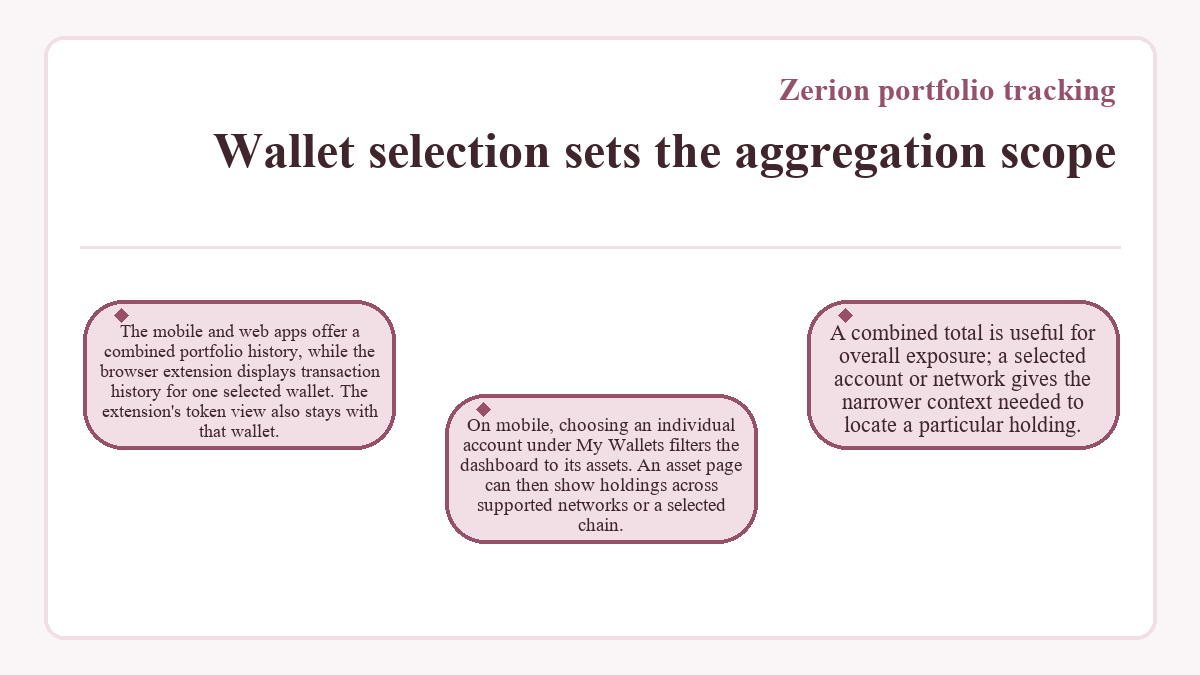
The mobile and web apps offer a combined portfolio history, while the browser extension displays transaction history for one selected wallet. The extension's token view also stays with that wallet. On mobile, choosing an individual account under My Wallets filters the dashboard to its assets. An asset page can then show holdings across supported networks or a selected chain. A combined total is useful for overall exposure; a selected account or network gives the narrower context needed to locate a particular holding.
Why can Zerion show a balance without its full transaction history?
A balance can appear alongside an incomplete history because balance tracking and transaction-history support do not cover every network in the same way.
Lite support limits the activity feed
On networks with Lite support, the transaction history includes only transactions submitted through Zerion Wallet. Transactions submitted through another wallet application can therefore be absent even when the resulting token balance appears correctly. Collectibles are not supported on these Lite networks.
Custom networks do not inherit full tracking
Adding an otherwise unsupported Ethereum Virtual Machine (EVM) network as a custom network can enable native-asset balance viewing without indexed token balances, collectibles, or transaction history. A selectable custom network can still have incomplete portfolio data.
Read profit and loss separately from portfolio value
Portfolio value measures current priced holdings. Profit and loss (PnL) relates recorded activity and historical costs to gains and losses.
Cost matching and open holdings
Zerion's asset-page PnL uses first in, first out (FIFO) cost matching. The earliest acquired tokens are treated as the earliest disposed tokens. Realized PnL covers recorded exits; sends and DeFi withdrawals can affect this figure. Unrealized PnL compares the cost of remaining holdings with their current market value.
Total PnL combines realized and unrealized PnL. Average cost divides the invested amount by the total number of tokens bought. Detailed figures, including realized gains, unrealized gains, and average cost, are Premium features on supported EVM networks. Premium is not available for Solana wallets. The basic asset screen remains accessible without that detail.
Trade markers connect activity with market prices
On mobile, asset charts place buy and sell markers alongside the price history. Each marker connects a recorded transaction with its market context. The History tab holds the transaction record. A market-price point does not replace the record of traded amounts and fees.
Keep pricing and asset records usable
The web app's Report asset menu has separate options for missing prices and suspected spam, which require different explanations even when they affect the same token.
Incorrect/missing price concerns valuation data. Scam/Spam concerns the asset's status in the listing. The token's contract address identifies the specific asset; a name alone can be ambiguous. Reports concern the asset listing and leave the token's onchain balance unchanged. Token visibility alone does not establish liquidity or a reliable price.
Mobile watchlists can provide trade notifications for followed addresses. An alert prompts inspection of activity; it is not the transaction's complete accounting record. Ongoing monitoring also requires consistent account and network scope, especially when comparing a present total with an earlier portfolio snapshot.
Collectible inventory needs a separate price interpretation
Non-fungible tokens (NFTs) appear in a dedicated inventory view, separating ownership records from ordinary token holdings. The mobile NFTs tab is labeled Collectibles on iOS. Network filters narrow this inventory, and the extension displays collectibles for the selected wallet.
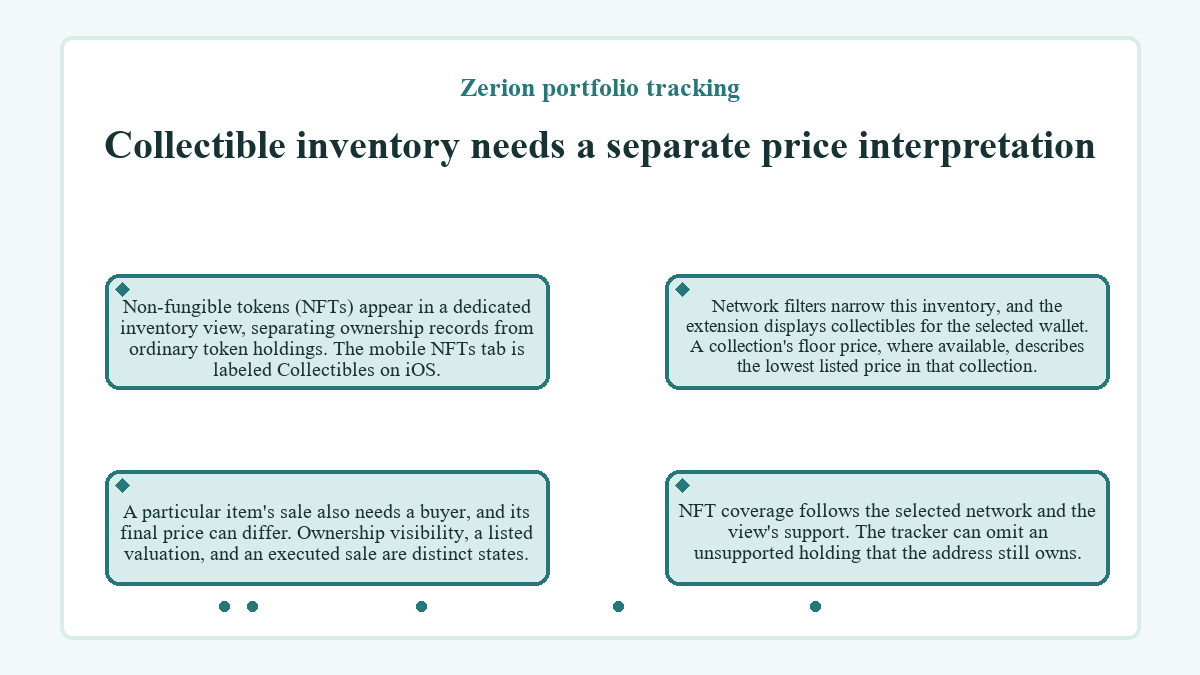
A collection's floor price, where available, describes the lowest listed price in that collection. A particular item's sale also needs a buyer, and its final price can differ. Ownership visibility, a listed valuation, and an executed sale are distinct states. NFT coverage follows the selected network and the view's support. The tracker can omit an unsupported holding that the address still owns.
Frequently asked questions about Zerion portfolio tracking
Is basic Zerion portfolio monitoring free?
Basic address-based portfolio tracking is free. Detailed PnL metrics require Zerion Premium on supported EVM networks. Solana wallets are not currently eligible for Premium.
What does an unsupported wallet message mean during address tracking?
The web app may show an unsupported wallet message for a smart contract address. Standard externally owned accounts have the normal tracking path, while some smart contract wallets receive partial recognition. The message concerns the address type and available tracking support. Assets at that address can still exist onchain.
How does an asset's equity percentage differ from its return?
Equity is the share of total portfolio value represented by that asset. A return describes how its value or performance changed over the relevant period. A large equity percentage therefore indicates concentration in that asset, even when its return is small or negative.
Which transactions affect the 24-hour return on an asset page?
The asset page's 24-hour return reflects price movement, not the buys and sells made during that period. It shows the price-related change as both a percentage and a currency amount. Transaction history explains activity that changed the quantity held.
Where should I report a migrated token contract in Zerion?
The web asset page accepts contract-migration reports through Report asset and the Old contract option. The report identifies the replacement contract and asks whether the old contract should be hidden. This concerns the asset record displayed by Zerion; filing the report does not migrate tokens in your wallet.
Will hiding my portfolio balance conceal blockchain activity?
Hiding the displayed balance only obscures numbers on the screen. Zerion provides balance hiding on mobile and in the web app. Public blockchain balances and transaction records remain readable by address, so screen privacy does not make the account's onchain activity private.
Does changing the portfolio display currency exchange my tokens?
Changing the display currency changes the valuation unit without exchanging tokens. The same holdings remain on their existing networks. Keep the denomination consistent when comparing portfolio snapshots, since a change in the reporting currency can alter how the same asset movement appears.