 Zerion
 wallet and portfolio management across chains
Zerion combines a self-custody crypto wallet with a portfolio view across supported blockchains. Self-custody means you control the keys that authorize transactions. Its mobile app and browser extension support sending, receiving, and managing crypto, while the web app also supports address-based tracking. Tokens, supported decentralized finance positions, and collectibles can appear together. Swaps, bridges, and application connections extend that view into asset management, with available actions determined by the network and the wallet's signing access.
UpdatedIn short: Zerion's watch-only tracking shows supported holdings without granting permission to sign transactions from the tracked address.
Separate blockchains in one portfolio view
Portfolio tracking brings supported token balances and decentralized finance positions into a combined view, so holdings remain visible across separate networks and addresses. Coverage includes Ethereum, Solana, and other supported Ethereum Virtual Machine (EVM) networks. Decentralized finance, often shortened to DeFi, includes activities such as lending, staking, and providing liquidity. Recognized positions from these activities give context that a simple list of spendable tokens would miss. A portfolio's displayed value describes the assets that the tracker recognizes and prices; it does not establish a single spendable balance across chains.
Transaction history adds the asset, network, transaction type, date, and transaction hash to that picture. The mobile and web apps can show combined history across wallets. The extension presents history for the selected wallet.
Premium adds profit and loss tracking, which answers a different question from the value of current holdings.
Mobile wallets, browser signing, and web access
The mobile app supports iOS and Android, while the extension supports Chrome, Brave, Firefox, and Arc for browser-based wallet access and application connections. Existing wallets can be imported using a compatible recovery phrase or private key. Other entry paths include creating a wallet, connecting a supported Ledger device, or adding a watch address. The web app also provides portfolio access without requiring the installation of a wallet extension.
A recovery phrase restores access to a software wallet's keys. The local password or passcode protects access through that installation of the app. Keep a usable recovery backup before removing wallet data or changing devices. Importing a key brings signing access into software. A connected Ledger device signs transactions while keeping its keys on the device. Hardware connection options depend on the device, operating system, and interface.
Buying crypto by card uses an external payment provider. Available payment methods and purchase limits follow that provider and the buyer's location.
Swaps, bridges, and application connections
A swap exchanges tokens through available trading liquidity, while a bridge moves assets between networks through a supported cross-chain route. Zerion gathers quotes from supported exchanges and aggregators, allowing routes to be compared within the wallet. Its liquidity sources include Uniswap and 1inch. Route availability follows the selected assets and network, so portfolio visibility alone does not establish that a particular trade is available.
Token permissions and trade execution
Permission to spend a token
An EVM token trade may require an allowance that permits a contract to spend the selected token. Native assets and Solana transactions do not use this EVM approval step. An existing sufficient allowance can also remove the need for a fresh approval. The extension supports editing token allowances; the mobile interface does not provide that editor. Limiting an allowance limits how much of that token the approved contract can spend.
Submission of the trade
Approval grants spending permission; the swap or bridge still requires its own execution. The transaction preview describes expected asset movements before signing. A signature authorizes the transaction, and submission sends it for processing. Confirmation and the resulting asset movements establish what actually happened. An approval appearing in history therefore does not establish that the intended exchange or cross-chain transfer completed.
Applications beyond the built-in routes
Wallet connections also support interaction with decentralized applications, including lending and staking interfaces. The application supplies the action, and the wallet presents the signing request. Connecting an address and granting a token allowance are different permissions. A contract with an active allowance can continue to have spending access after the browsing session ends. Built-in checks flag known malicious applications before a connection. An unflagged application can still request a broad allowance, so the spending permission needs its own review.
NFT collections alongside token holdings
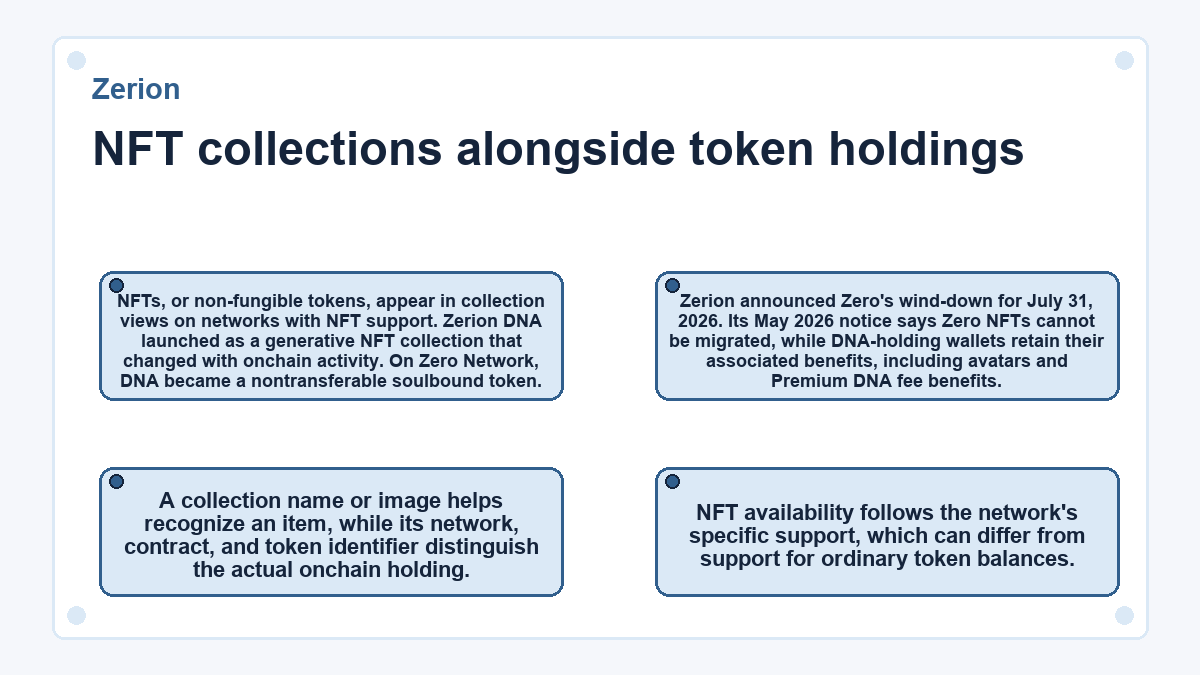
NFTs, or non-fungible tokens, appear in collection views on networks with NFT support. Zerion DNA launched as a generative NFT collection that changed with onchain activity. On Zero Network, DNA became a nontransferable soulbound token. Zerion announced Zero's wind-down for July 31, 2026. Its May 2026 notice says Zero NFTs cannot be migrated, while DNA-holding wallets retain their associated benefits, including avatars and Premium DNA fee benefits. A collection name or image helps recognize an item, while its network, contract, and token identifier distinguish the actual onchain holding. NFT availability follows the network's specific support, which can differ from support for ordinary token balances.
Wallet data for software and agent tools
Zerion API supplies software with portfolio values, token positions, DeFi holdings, NFT information, and parsed transaction history through an application programming interface. Requests identify the wallet address and use API authentication, rather than the wallet's recovery phrase. Zerion CLI extends access through command-line tools for portfolio analysis and supported onchain actions. The CLI is an alpha preview: commands, flags, and output formats may change or be removed without notice between releases. Its documentation advises against relying on current behavior in production. Reading wallet data and authorizing transactions require different permissions; access to an address's records does not grant control over its assets.
What fees apply to swaps and bridges?
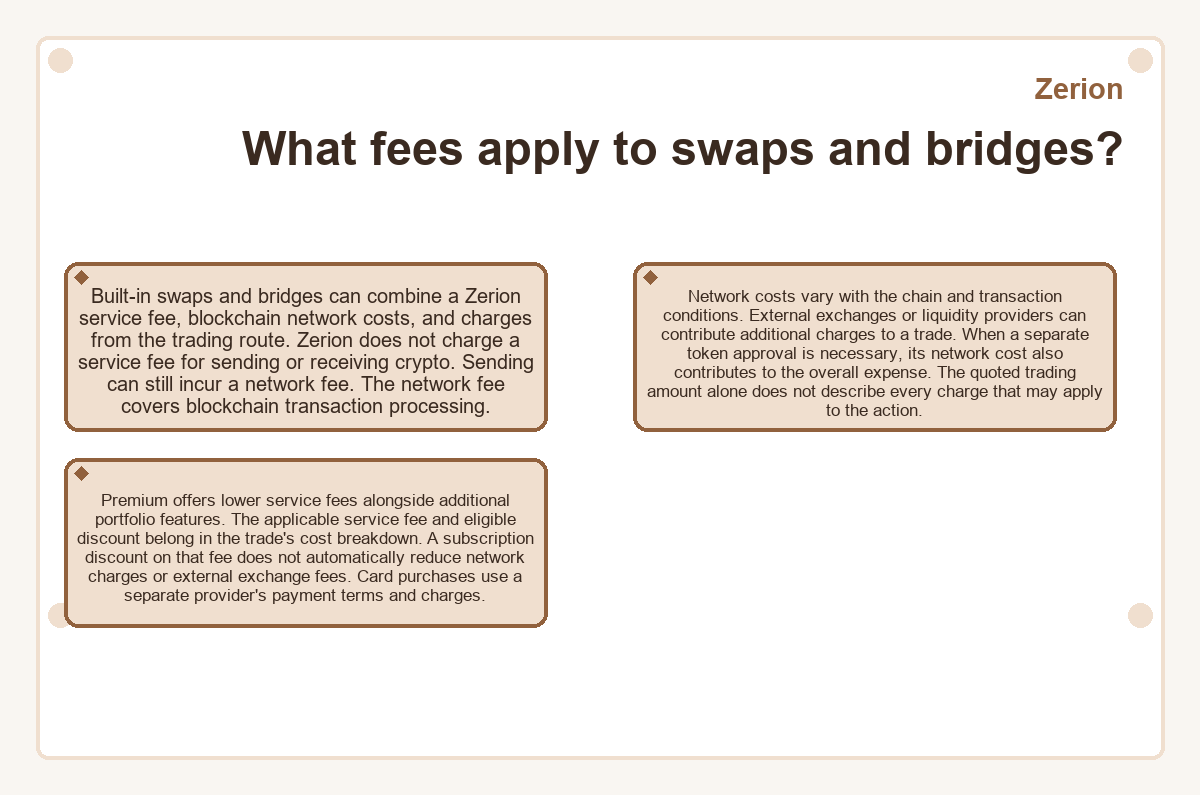
Built-in swaps and bridges can combine a Zerion service fee, blockchain network costs, and charges from the trading route. Zerion does not charge a service fee for sending or receiving crypto. Sending can still incur a network fee. The network fee covers blockchain transaction processing.
Network costs vary with the chain and transaction conditions. External exchanges or liquidity providers can contribute additional charges to a trade. When a separate token approval is necessary, its network cost also contributes to the overall expense. The quoted trading amount alone does not describe every charge that may apply to the action.
Premium offers lower service fees alongside additional portfolio features. The applicable service fee and eligible discount belong in the trade's cost breakdown. A subscription discount on that fee does not automatically reduce network charges or external exchange fees. Card purchases use a separate provider's payment terms and charges.
Does Zerion support the same features on every network?
Network support varies by feature: a visible token balance does not ensure that built-in swaps, complete transaction history, or NFT management are available. Networks with Lite support provide balances and portfolio tracking, but lack built-in swaps, bridges, and NFT support. Their history covers transactions made through Zerion Wallet. Supported external applications may offer additional actions through a wallet connection.
Adding a custom EVM network enables application connections and native-asset visibility, without extending the full portfolio indexer to that chain. Token balances, NFTs, and transaction history are not automatically supplied for the custom network. Trading routes also require their own support. A network connection, a recognized holding, and an available transaction are separate capabilities.
A visible balance without signing access
Consider a hypothetical watch address with a visible token balance on a supported network. The question is whether that balance enables a transfer.
Address-based tracking reads supported public blockchain records without importing a private key. The visible holding can therefore contribute to portfolio monitoring while the address remains read-only in the app. It can also help reconcile an expected holding with the asset recorded at that address.
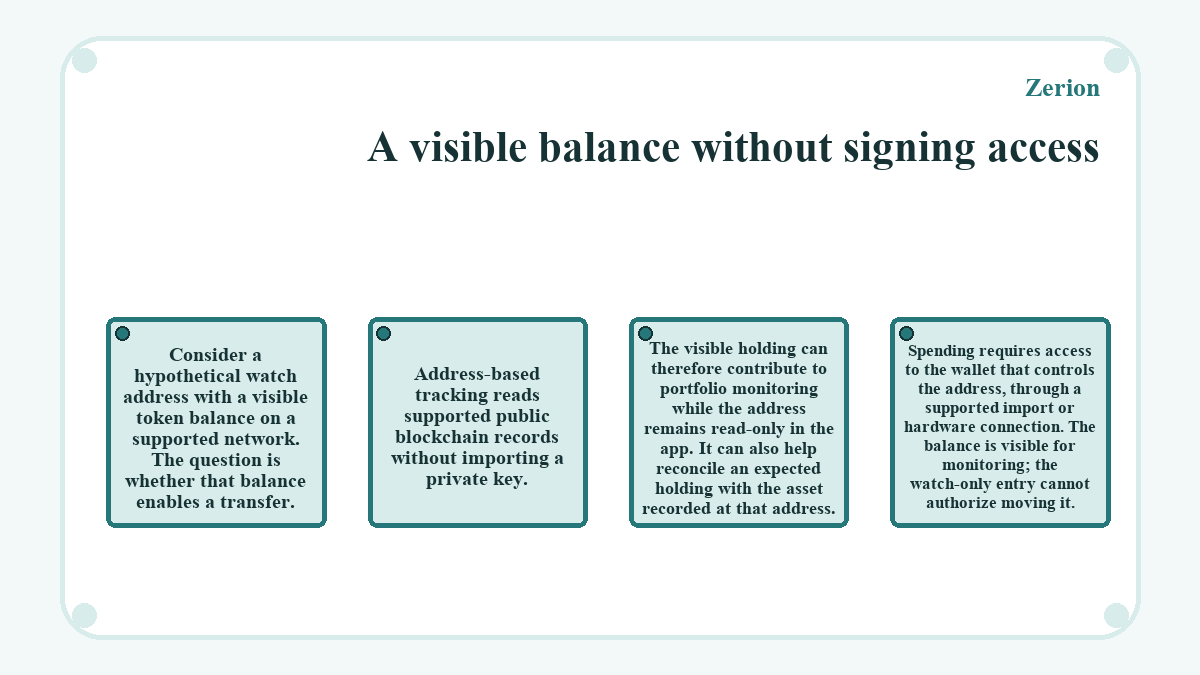
Spending requires access to the wallet that controls the address, through a supported import or hardware connection. The balance is visible for monitoring; the watch-only entry cannot authorize moving it.
Zerion: quick answers
How can I export transaction records from Zerion?
Zerion Premium provides transaction-history export through the web app as a comma-separated values (CSV) file. The export controls allow a date range and filters for transaction types, assets, and networks. Records include transaction status, fees, and transfer details where available. Export coverage follows fully supported networks. This download function is separate from viewing history in the mobile app or browser extension.
Which Ledger connections does Zerion support on desktop and mobile?
The browser extension supports Ledger USB connections, and the mobile app supports only Ledger Nano X over Bluetooth. Desktop Bluetooth supports Ledger Nano X and newer models on macOS. Bluetooth signing requires enabling 'Signing via Bluetooth' in the extension's Experiments settings. The device provides signing access without importing its recovery phrase into the app. Adding a hardware wallet address as a watch address remains view-only; it does not provide hardware signing.
Can Zerion reverse a confirmed transfer sent to the wrong address?
Zerion cannot reverse a blockchain transfer after confirmation. Its self-custody wallet does not control the recipient's address or hold the transferred assets for you. Transaction history and the transaction hash help identify the confirmed record. Contacting wallet support does not create authority to cancel that transfer or reimburse the lost assets.
What happens if I forget my Zerion passcode?
Wallet access can be restored with the recovery phrase, or by reconnecting a Ledger device when that is how the wallet is controlled. Confirm that a usable recovery method is available before resetting local app data. Another device that still opens the software wallet may allow access to its recovery phrase. Zerion cannot recreate private keys when every accessible session and usable recovery backup have been lost.
Where do I enter my card details when buying crypto through Zerion?
Card details are entered on the selected payment provider's page. That provider handles the payment and sets available currencies, methods, and purchase limits. Quotes depend on the selected token, amount, network, and region. The wallet itself has no cash balance: a card purchase buys crypto for the selected address. The 'No quotes available' message means no payment provider is currently quoting that selected purchase combination.