 Zerion
 recovery-phrase import on mobile and in the browser extension
Zerion supports recovery-phrase import for an existing Ethereum-compatible or Solana wallet in its mobile app and browser extension. The phrase restores signing access to the addresses derived from it; importing does not move crypto between accounts. Both interfaces offer import during initial setup and after a wallet already exists. The recovery words, their order, and the account selected must correspond to the wallet you want to restore. A public address alone enables tracking, so it cannot replace the phrase.
UpdatedKey takeaway: A recovery phrase can unlock a whole wallet group, while a private key import covers only its corresponding account.
The recovery words determine which accounts return
A compatible recovery phrase reconstructs the keys behind its existing accounts, allowing another wallet application to manage those accounts without changing their blockchain addresses. The ordered words encode information that the wallet uses to regenerate its keys. Keep the original spelling and sequence. Editing the phrase, translating its words, or substituting a similar word changes the input. A phrase that passes a format check does not establish that it belongs to the account you wanted.
One phrase can generate multiple addresses. Zerion organizes related addresses into wallet groups, and phrase import allows account selection. The phrase therefore has a broader scope than an individual private key, which controls its corresponding account. Importing one account's private key does not reveal the recovery phrase behind a larger group. Knowing which backup belongs to which accounts prevents an incomplete restoration from looking like a lost balance.
Browser extension import during initial setup
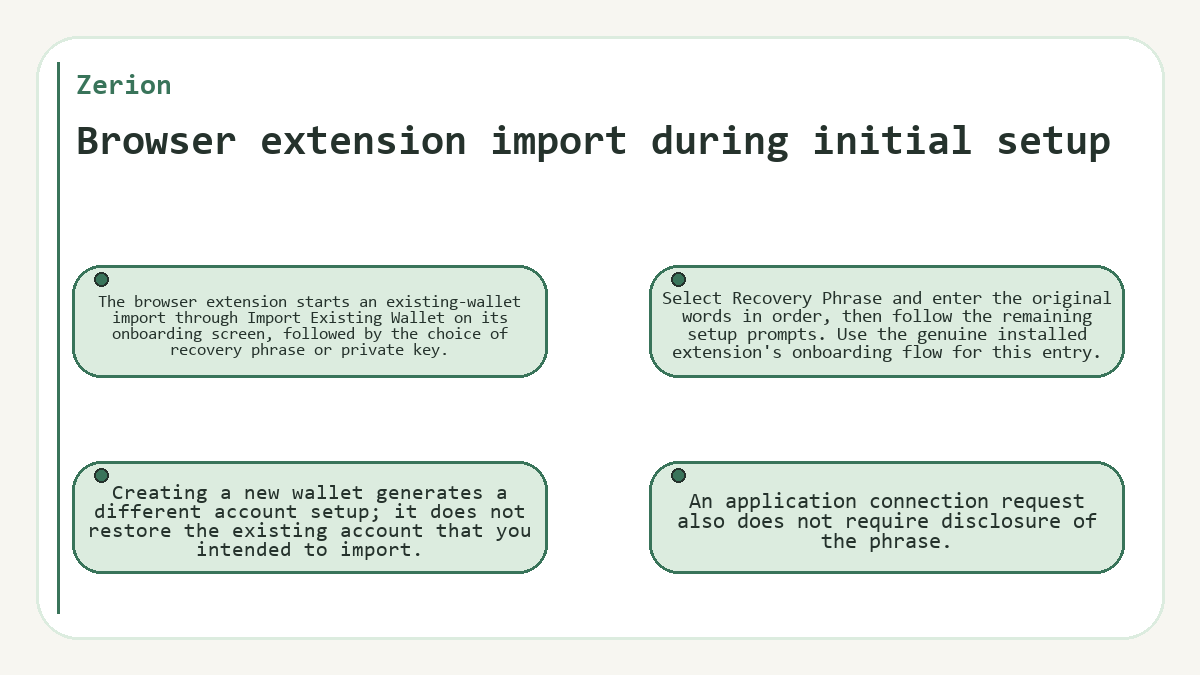
The browser extension starts an existing-wallet import through Import Existing Wallet on its onboarding screen, followed by the choice of recovery phrase or private key. Select Recovery Phrase and enter the original words in order, then follow the remaining setup prompts. Use the genuine installed extension's onboarding flow for this entry. Creating a new wallet generates a different account setup; it does not restore the existing account that you intended to import. An application connection request also does not require disclosure of the phrase.
Mobile app import during initial setup
The mobile app begins with Add Existing Wallet, then Import wallet, before presenting Recovery Phrase and Private Key as the available import methods. Recovery Phrase is the option for restoring accounts from the ordered words in a seed backup. Enter those words in the app's import flow and follow its setup prompts. A passcode used to unlock a previous installation does not substitute for this backup. The account selection concerns existing blockchain addresses, even though the application on this phone is new.
Adding another phrase after setup
An existing installation can import another wallet through Add Wallet, so restoring a different phrase does not require erasing the wallets already present in the application. In the extension, open the wallet address selector at the top, then choose Add Wallet and Add Existing Wallet. From there, choose the phrase-import method. The Add Existing Wallet branch also contains other ways to add an account, so reaching that menu does not by itself establish signing access.
On mobile, the plus icon next to My Wallets opens the add-wallet flow. Choose Add Wallet, then Add Existing Wallet and the import option. The mobile choices also include restoration from an encrypted cloud backup. Create New Wallet has a separate purpose: it can add an address under an existing phrase or start a group with a new phrase. Neither choice replaces importing the particular backup that controls the account you want.
Matching the address and interpreting an empty balance
The complete blockchain address identifies the account that an import should restore; a familiar wallet name or account label does not establish that match.
A recovery phrase can produce several accounts, and the address-selection stage lets you choose the accounts to add. The intended account may differ from the first address shown. Compare the full address with the one already associated with your holdings. Labels help organize the interface, but different applications can assign different names to the same account.
Account derivation explains another possible mismatch. Compatible wallets generate addresses through a defined sequence of key derivation, often described as a derivation path. A different path or account index can produce another address from the same underlying seed. This does not establish that Zerion offers every path used by another application. An expected address that is absent from account selection requires a compatibility check before treating an alternative address as restored.
An empty balance at a different address says nothing about the balance at the intended account. Even with a matching address, assets remain on their respective networks. Importing keys does not bridge those assets or consolidate separate chain balances. Portfolio tracking then depends on the networks and assets that the interface recognizes, which is a different question from whether the correct keys were restored.
A rejected phrase needs a transcription check against the original backup. Recheck the words and their sequence without sending them to anyone for inspection. Repeatedly trying a different account address does not repair an incorrectly recorded phrase. Preserve any working wallet access while resolving the mismatch.
What belongs in the recovery-phrase field?
The recovery-phrase field needs the wallet's secret words; an application password, phone passcode, public address, or exchange login cannot supply the same key material. Passwords and passcodes protect access to an installation. They do not become the blockchain credentials when the wallet changes applications. Enter the phrase only inside the intended import flow of the genuine app or extension, never into a support conversation, contact form, or unrelated application prompt.
A Zerion wallet group's recovery phrase grants access to every wallet derived from that phrase. Selecting only one address during import does not reduce the scope of a disclosed phrase. Avoid screenshots, email drafts, and ordinary notes that expose the words through additional copies. An offline written backup keeps the recovery information outside those channels, provided its storage remains private and accessible.
Choosing the import method for the account you control
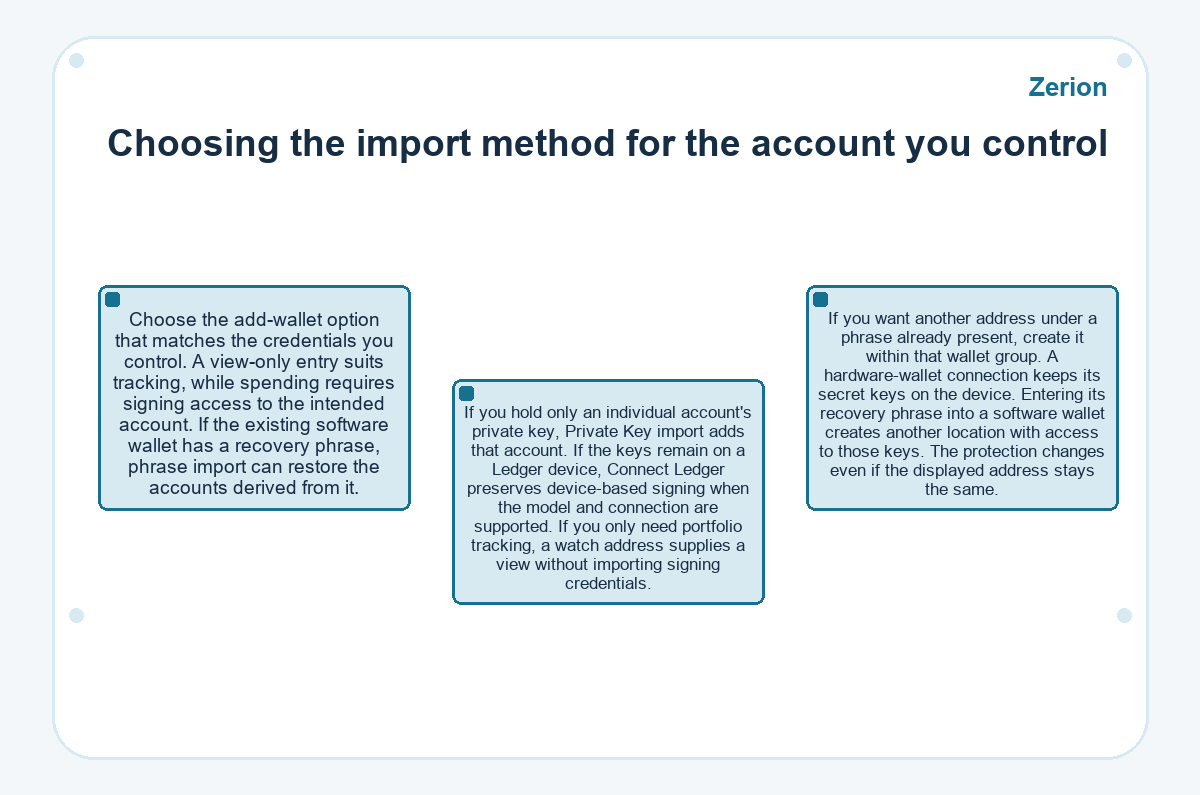
Choose the add-wallet option that matches the credentials you control. A view-only entry suits tracking, while spending requires signing access to the intended account.
- If the existing software wallet has a recovery phrase, phrase import can restore the accounts derived from it.
- If you hold only an individual account's private key, Private Key import adds that account.
- If the keys remain on a Ledger device, Connect Ledger preserves device-based signing when the model and connection are supported.
- If you only need portfolio tracking, a watch address supplies a view without importing signing credentials.
- If you want another address under a phrase already present, create it within that wallet group.
A hardware-wallet connection keeps its secret keys on the device. Entering its recovery phrase into a software wallet creates another location with access to those keys. The protection changes even if the displayed address stays the same.
Backups and continued access after import
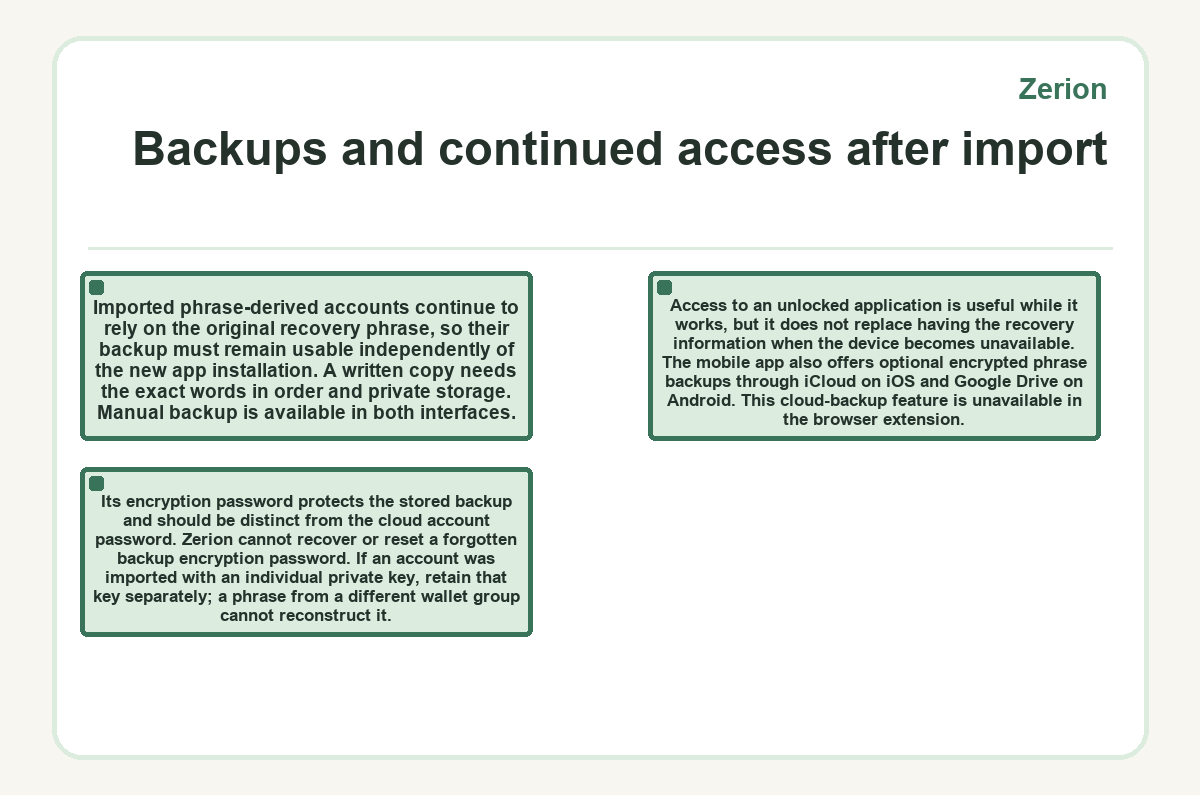
Imported phrase-derived accounts continue to rely on the original recovery phrase, so their backup must remain usable independently of the new app installation. A written copy needs the exact words in order and private storage. Manual backup is available in both interfaces. Access to an unlocked application is useful while it works, but it does not replace having the recovery information when the device becomes unavailable.
The mobile app also offers optional encrypted phrase backups through iCloud on iOS and Google Drive on Android. This cloud-backup feature is unavailable in the browser extension. Its encryption password protects the stored backup and should be distinct from the cloud account password. Zerion cannot recover or reset a forgotten backup encryption password. If an account was imported with an individual private key, retain that key separately; a phrase from a different wallet group cannot reconstruct it.
Useful questions about Zerion
What network fee applies to a Zerion recovery-phrase import?
The import itself has no blockchain gas fee because it does not submit a transaction. Restoring the keys changes which application can manage the account, without sending its assets. A later transfer or contract interaction is a separate action with its own network costs. A request to pay a blockchain fee merely to validate recovery words does not belong to the phrase-import process.
Does importing a wallet remove access from the original app?
Importing the same keys leaves the original application able to access the account if its wallet data remains available. Both applications can manage the same blockchain address. Importing does not revoke the original copy of the keys or make the new application their exclusive holder. Deleting an application also cannot revoke a recovery phrase that someone else possesses.
Is an exchange account password sufficient for a Zerion wallet import?
An exchange account password cannot replace a wallet recovery phrase or private key. It authenticates access to an account that the exchange manages. Phrase import requires the secret material that controls a compatible self-custody wallet. A separate wallet supplied by the same company may have its own recovery credentials, so distinguish that wallet from the exchange login.
Where can I view the recovery phrase after importing a wallet group?
The recovery phrase is available through Manage Wallets for the relevant phrase-based wallet group. In the extension, open Settings, choose Manage Wallets, select the group, and choose Recovery Phrase under Backup; revealing it requires the extension password. On mobile, use App Settings, Manage Wallets, the group, and Recovery Phrase, then authenticate with the passcode. Choose the correct group when several phrases are present.
Are saved watch addresses restored when I import my recovery phrase?
Importing a recovery phrase does not restore a saved watchlist or application preferences. Zerion's mobile app has separate preference-backup features called Device Sync on iOS and Data Backup on Android. They cover watch addresses, favorites, and settings, but exclude recovery phrases and private keys. Recovering account access and restoring the application's saved tracking information therefore use different backups.
What happens to an imported wallet if I remove it from Zerion?
Removing an imported wallet removes it from the application's interface without deleting its blockchain account or transferring its assets. Keep the relevant recovery phrase or private key before removing the entry. A wallet group and an individual address can be removed separately. Removing the whole group affects the entries that remain available through that installation.
Can a Solana wallet be imported through the recovery-phrase option?
Zerion supports recovery-phrase imports for Solana wallets created in Phantom, Backpack, and Solflare. The import method can use the phrase or the account's private key. A Solana account has a different address from an Ethereum account, so confirm the account for the ecosystem you intend to manage. Support for phrase import does not make every network's other wallet features identical.
When should I abandon an import involving an exposed recovery phrase?
Treat a phrase as compromised once an unauthorized person has obtained it. Importing it elsewhere does not change the keys that it derives. Protecting remaining assets requires a new wallet with a new recovery phrase and a transfer to that wallet. A new password on the old installation cannot remove another person's access through the exposed phrase.